

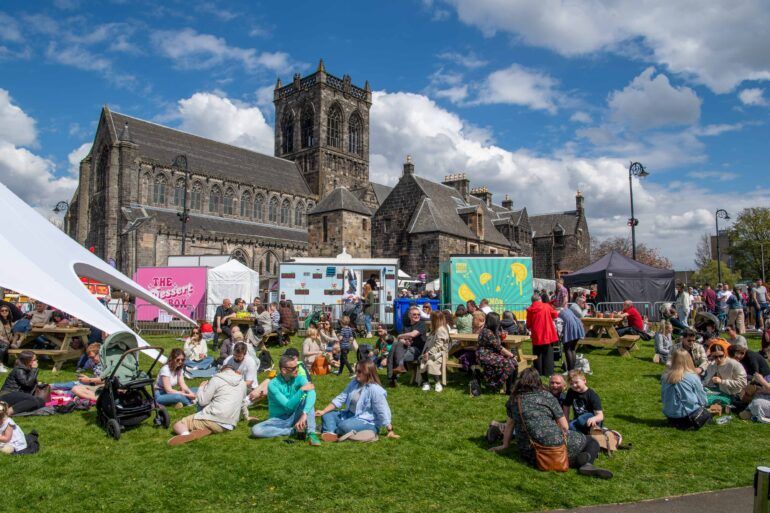
Help us shout about Paisley Food and Drink Festival
Please use any of the key messages, pictures or assets on your social media channels, websites or in venues.
What to say about Paisley Food and Drink Festival
We would love you to talk about Paisley Food and Drink Festival in your own words and tone of voice. We have gathered some key messages for you to use as inspiration:
- Paisley Food and Drink Festival will take place in Abbey Close and Bridge Street, Paisley, on Friday 24 from 4-10pm and Saturday 25 April from 12noon-9pm.
- The festival is free-to-attend.
- There’s loads of public transport links nearby to reach the festival site.
- There is a busy programme of free family-friendly activities as well as kids’ food portions too.
- There will be a line up of amazing live entertainment across the weekend.
Make sure to tag us in your posts!
Shout out loud about what you are doing at this year’s Paisley Food and Drink Festival. Tag us in your social media @paisleyfoodanddrink and we’ll share it. Use #PaisleyFoodAndDrinkFestival too!
Use our assets
We’ve got loads of assets you can use to help spread the word about Paisley Food and Drink Festival 2026:
Stickers and GIFS
We have included sticker logos that can be placed alongside your own images on posts and stories.



How to use stickers
- Download the sticker you would like to use to your image library.
- Select create a post (or story) and choose the image you would like to upload.
- Select the image icon and choose the sticker that you want to use.
- Adjust the image if needed.
You can also use content creation or photoshop software such as Canva if you would prefer to do this on a laptop or computer, or if you are more comfortable with these programmes. Please refer to the individual site for guidance.
How to use GIFs
The GIFs have been uploaded to the library on Instagram and Facebook so anyone can search for them and use them on stories.
- Select create a story and choose the image you would like to upload.
- Press the image icon and select the GIF library.
- In the search box type “paisleyfoodanddrink” and select the sticker or GIF that you would like to use.
Frames
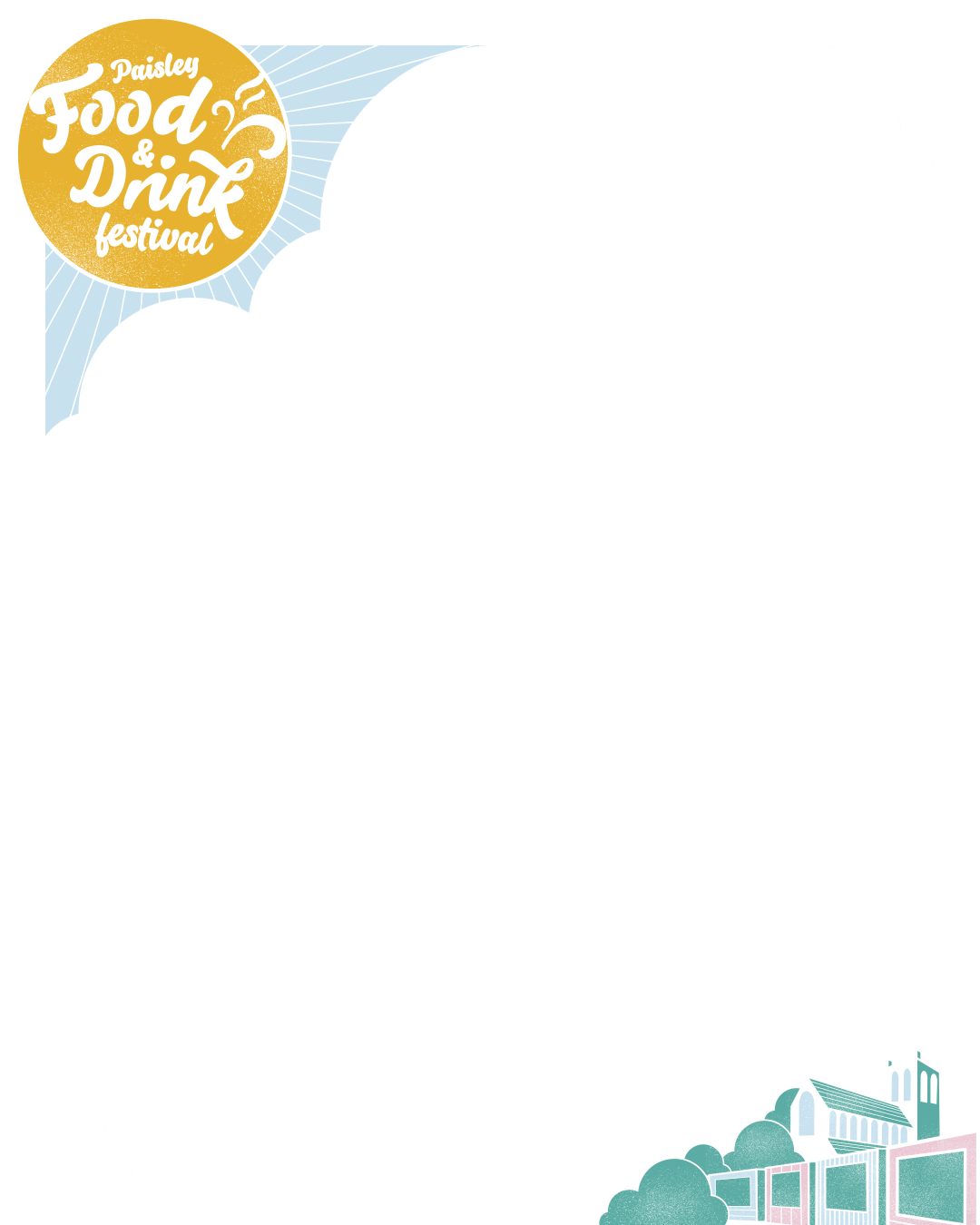
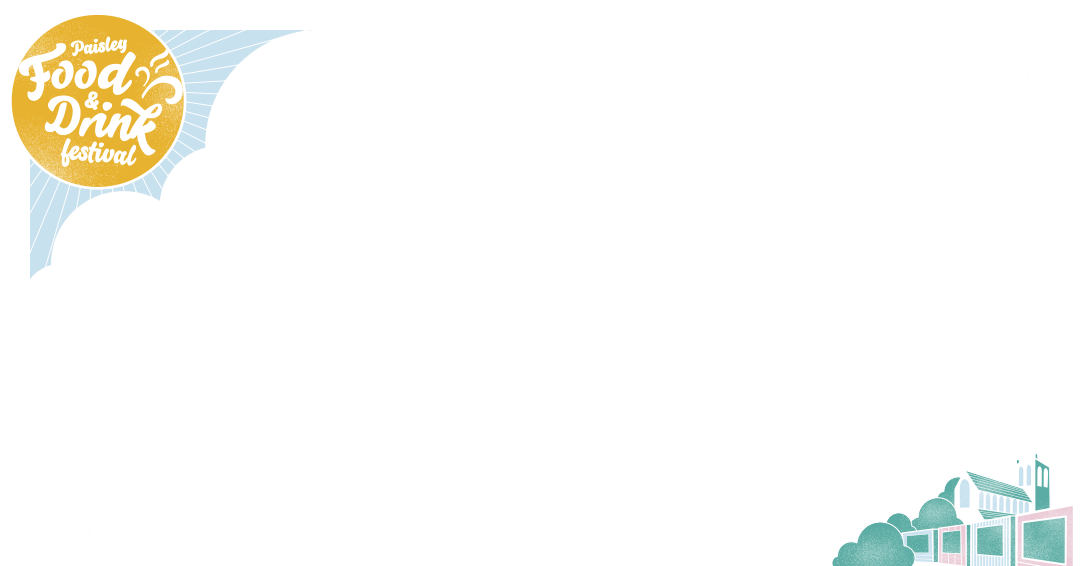
We have top frames that can go across the top of an image and full frames.
- Top frame portrait
- Top frame landscape
- Full frame story size
- Full frame square
- Full frame portrait
- Full frame landscape
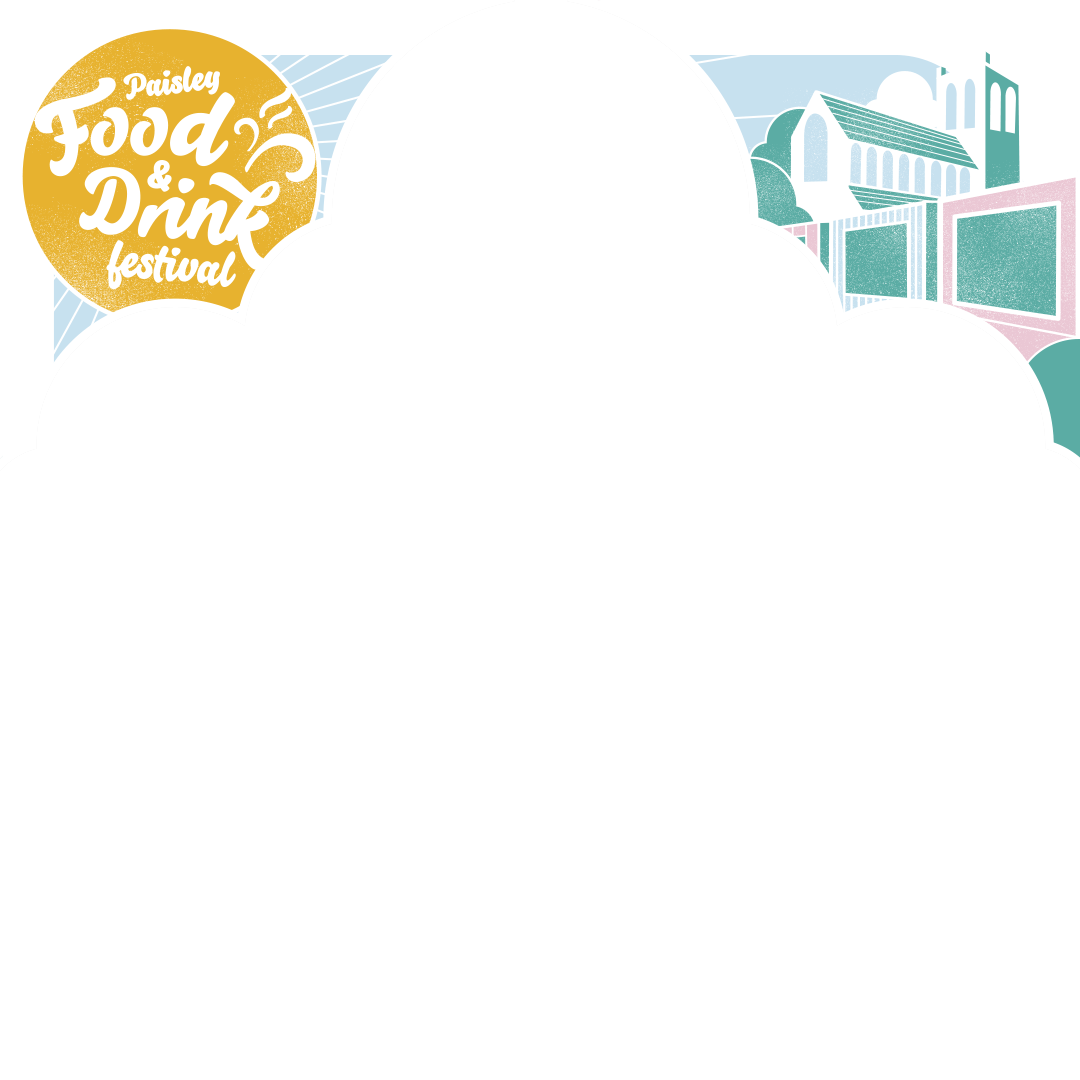

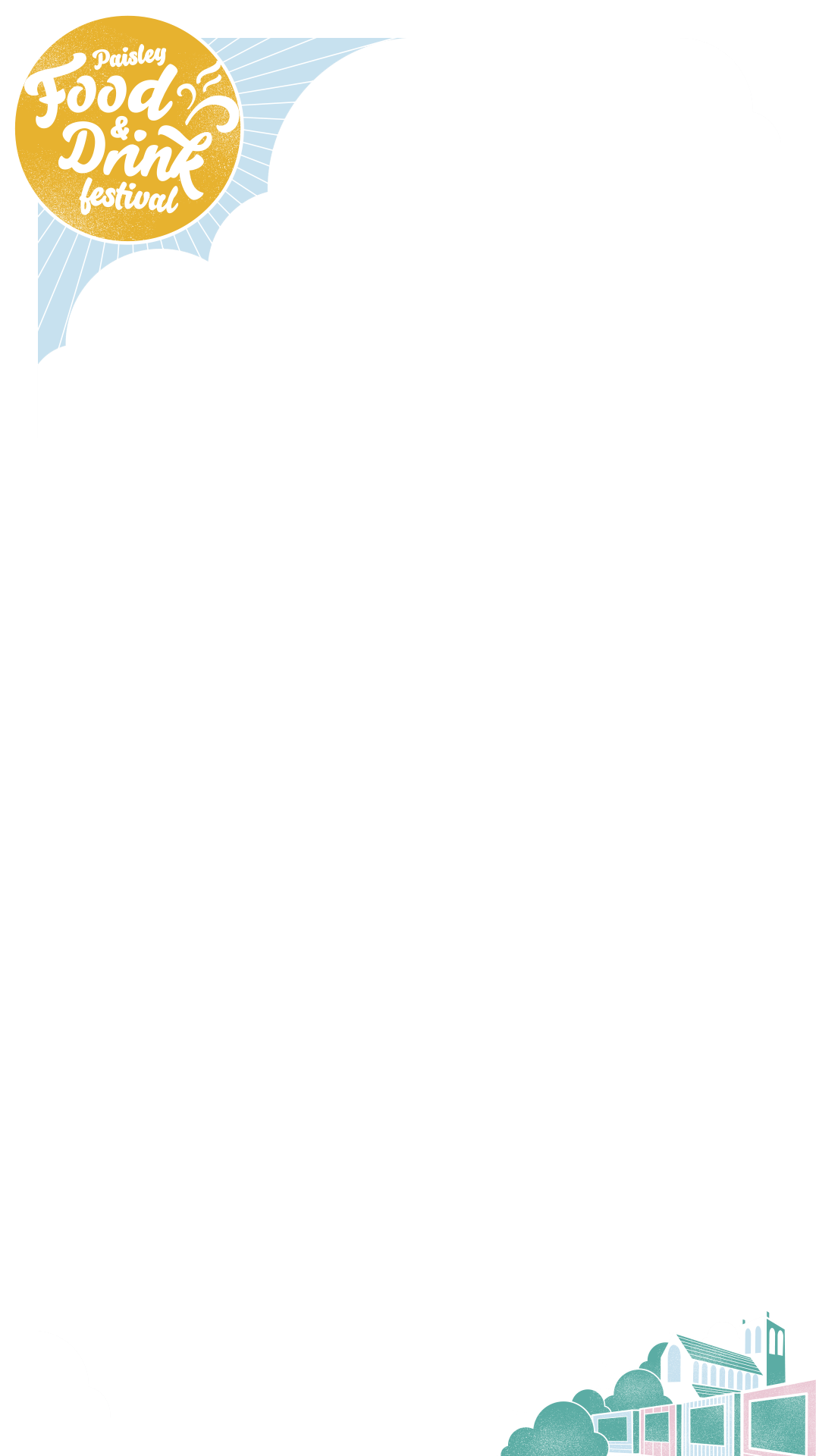
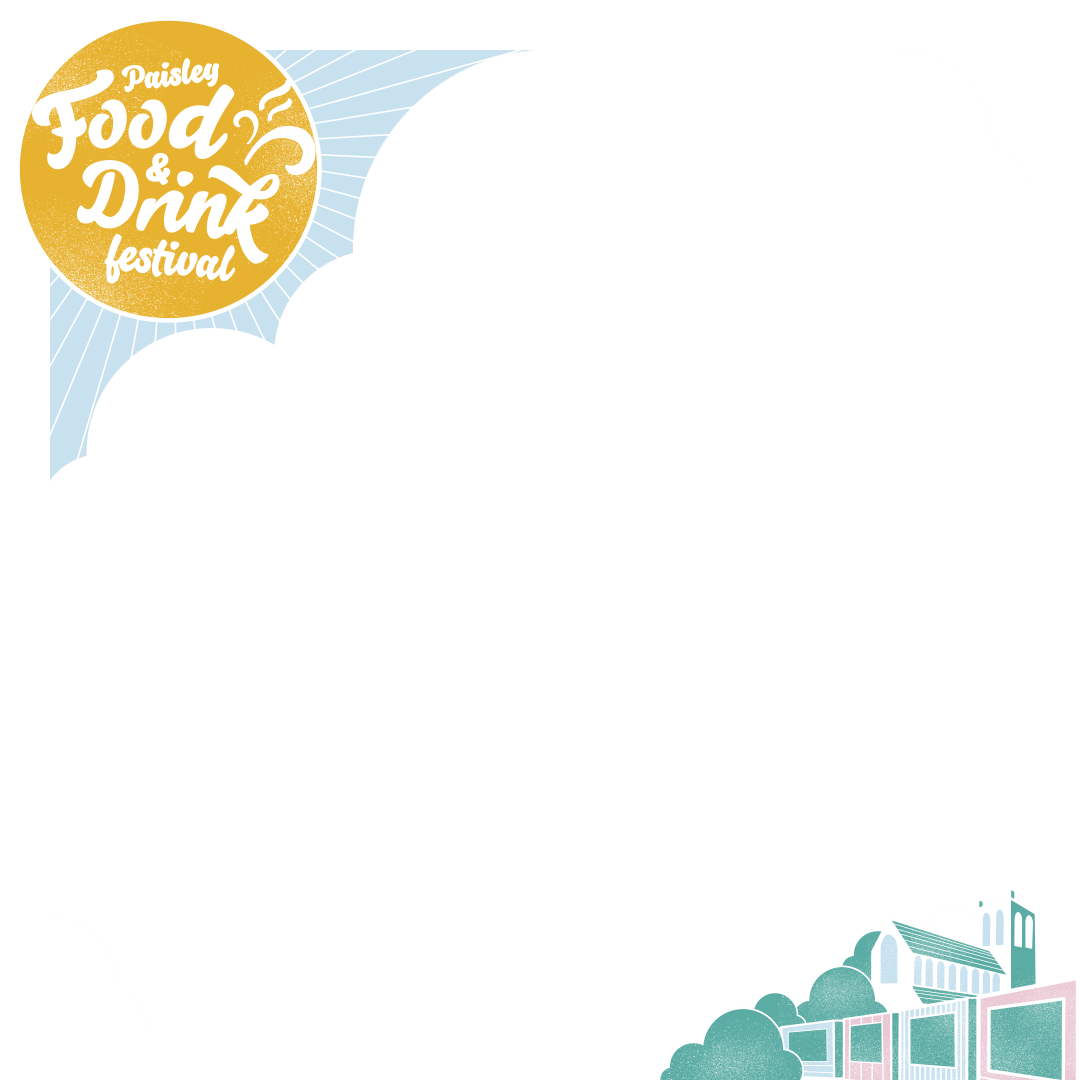
How to use the frames with images
- Download the frame you would like to use to your image library.
- Using the Instagram or Facebook app on a mobile device, select create a post (or story) and choose the image you would like to upload (the one that will be behind the frame).
- Select the image icon and choose the frame that you want to sit on top of this image. Please make sure to choose a frame that is the same size as your image.
- Adjust the image and frame if needed.
You can also use content creation or photoshop software such as Canva if you would prefer to do this on a laptop or computer, or if you are more comfortable with these programmes. Please refer to the individual site for guidance.
Text space
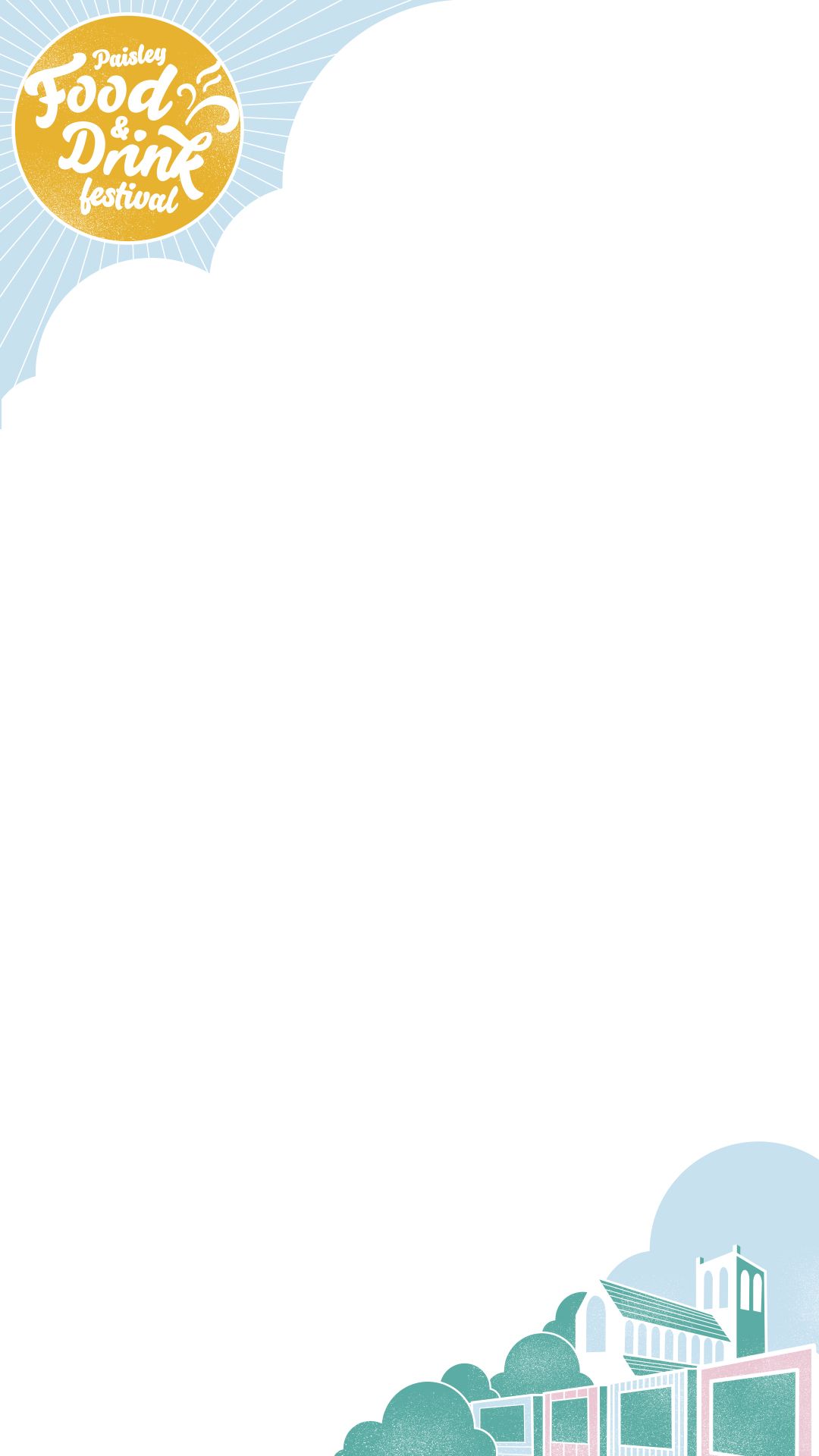
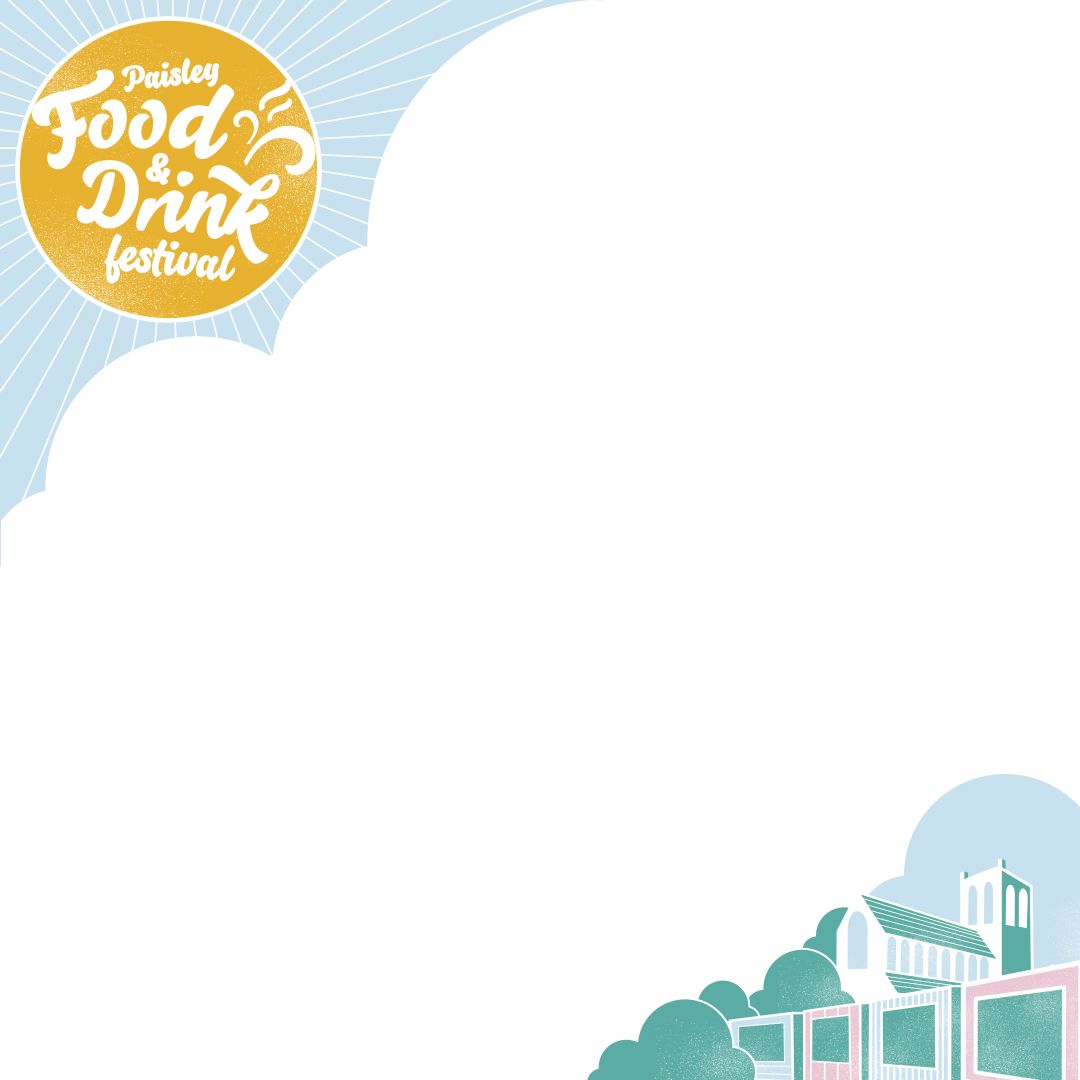
We’ve included some branded images with white space in the middle if you’d like to include some text, for example, a sample menu. We have formats to suit different sized images to use for both social media posts and stories.
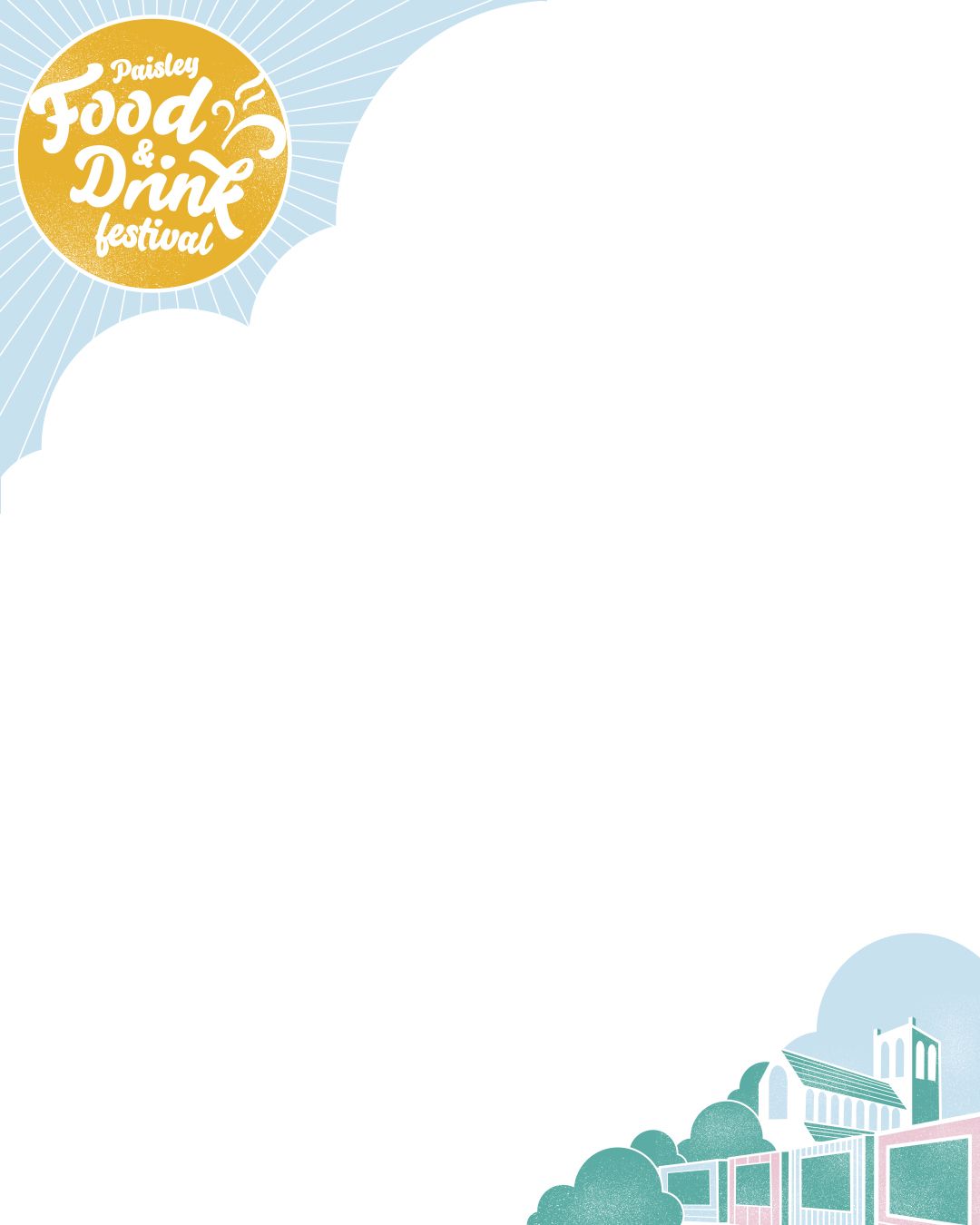
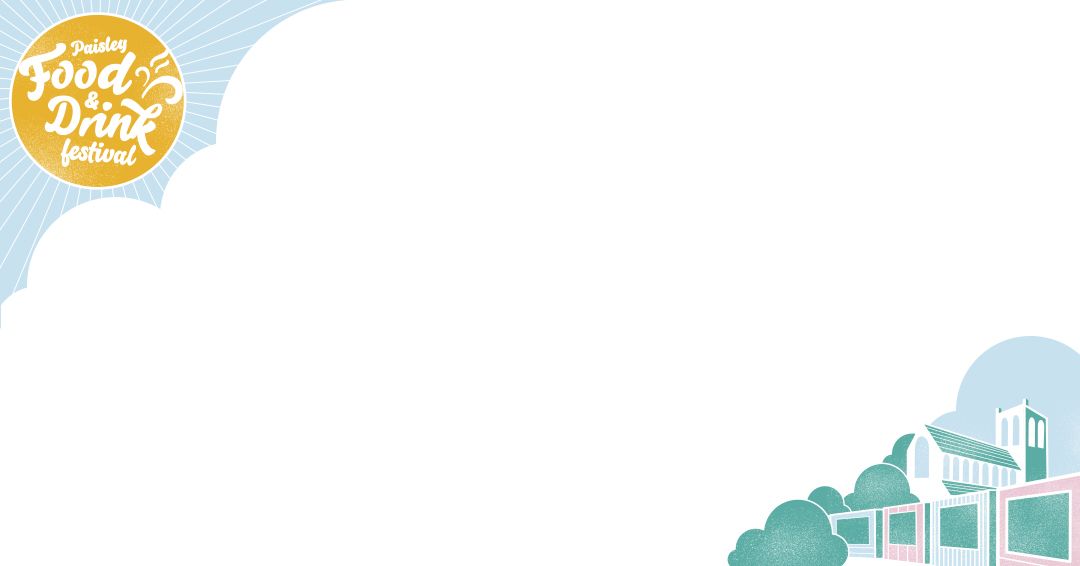
How to type on the text space images
- Download the text space you would like to use to your image library.
- Using the Instagram or Facebook app on a mobile device, select create a post (or story) and choose the text space image you would like to use.
- Select the text icon and start typing the text that you want to be in the image.
- Adjust the image and frame if needed.
You can also use content creation or photoshop software such as Canva if you would prefer to do this on a laptop or computer, or if you are more comfortable with these programmes. Please refer to the individual site for guidance.